
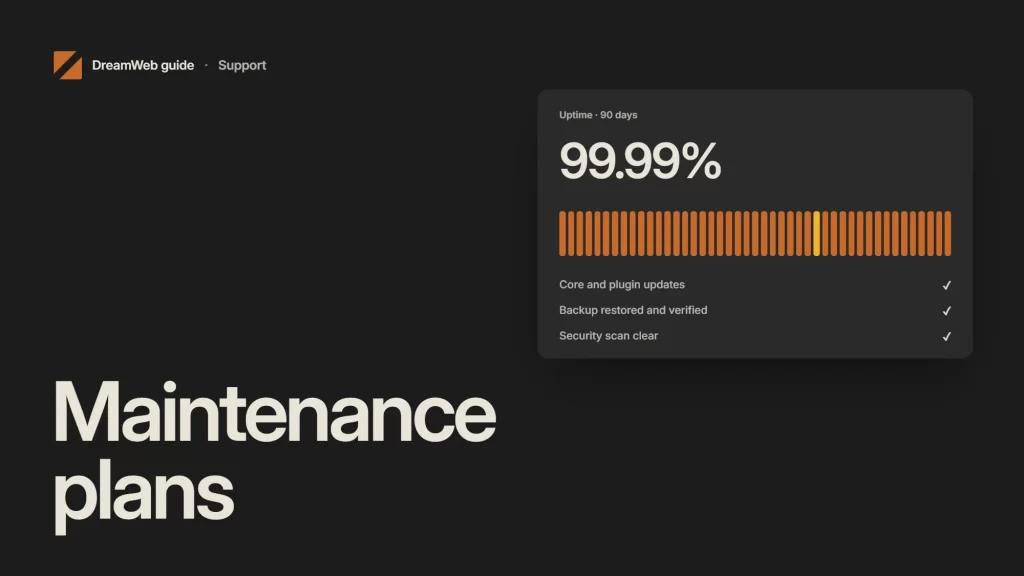
A website maintenance plan should state what gets checked, how often, who owns it and what happens when something fails. “Keep the website updated” is not a plan.
The right schedule depends on change rate and risk. An ecommerce store taking daily orders needs tighter controls than a small brochure site, but both need backups, updates, monitoring and content ownership.
What the plan should protect
Your plan should protect six things:
- availability: important pages and journeys remain reachable;
- security: supported software, controlled access and rapid patching;
- recoverability: tested backups and a documented restore route;
- customer experience: forms, checkout, navigation and content still work;
- visibility: indexability, redirects, canonicals and sitemaps remain correct;
- measurement: analytics and key events continue to record the intended actions.
Treat these as outcomes. A plugin update is only complete after the affected site functions are checked.
Daily and weekly checks
Automated monitoring can run daily for uptime, certificate expiry, error spikes, malware warnings and critical journeys. Someone still needs to receive and own the alert.
Weekly checks often include:
- form and checkout submissions;
- backups and backup-job failures;
- pending critical updates;
- broken high-value pages;
- analytics and conversion-event sanity checks;
- recent content and media quality;
- security and access alerts.
Do not use a test that sends customer or staff notifications without agreeing the route first. Maintenance should not create real orders, enquiries or emails by accident.
Monthly checks
Run software updates through a controlled sequence: backup, staging or safe preview where available, update, smoke test, deploy and read back the live result.
WordPress recommends backing up before updates because the update process affects core files. The same operational principle applies to themes, plugins, integrations and custom code.
Monthly work can also cover:
- performance checks on representative templates;
- accessibility checks for new components and content;
- 404 and redirect review;
- Search Console coverage and sitemap issues;
- dependency and licence review;
- user and administrator access;
- content requiring correction or expiry.
Quarterly and annual work
Quarterly reviews should look beyond faults. Check whether the site still supports current services, customer questions, campaigns and reporting needs.
At least annually, review hosting, recovery tests, third-party contracts, cookie and privacy implementation, analytics design, accessibility sample, content ownership and the technical roadmap.
WordPress’s site-maintenance guidance also recommends regular updates, backups, dead-link checks and content review. Your plan should turn those ideas into named tasks and evidence.
What to record for every task
Use a simple log:
- date and owner;
- environment and component checked;
- change or test performed;
- result and evidence;
- defects raised;
- rollback or recovery action;
- next review date.
This separates “the job ran” from “the result was verified”.
Maintenance plan options
A basic care plan covers routine updates, backups, uptime and small corrections. It suits a stable, low-risk site with an internal owner.
A managed plan adds performance, accessibility, SEO, analytics and content checks. It suits sites where the website supports regular acquisition or customer service.
A service-level plan adds response targets, release control, incident handling, recovery testing and deeper monitoring. It is appropriate when downtime or failed transactions have a clear commercial cost.
Do not buy a larger plan for reassurance alone. Match coverage to risk, dependencies and the cost of failure.
How to measure maintenance
Useful measures include successful backup and restore tests, patch time, incident response, uptime, form or checkout success, unresolved accessibility defects, Core Web Vitals, 404 trends and tracking completeness.
DreamWeb’s approach is to report a prioritised result rather than a hundred-page maintenance document. Start with the website redesign brief to record technical and ownership constraints, or ask DreamWeb to turn the current risks into a maintenance plan.
Related reading: Site maintenance services and Page speed optimization service.