
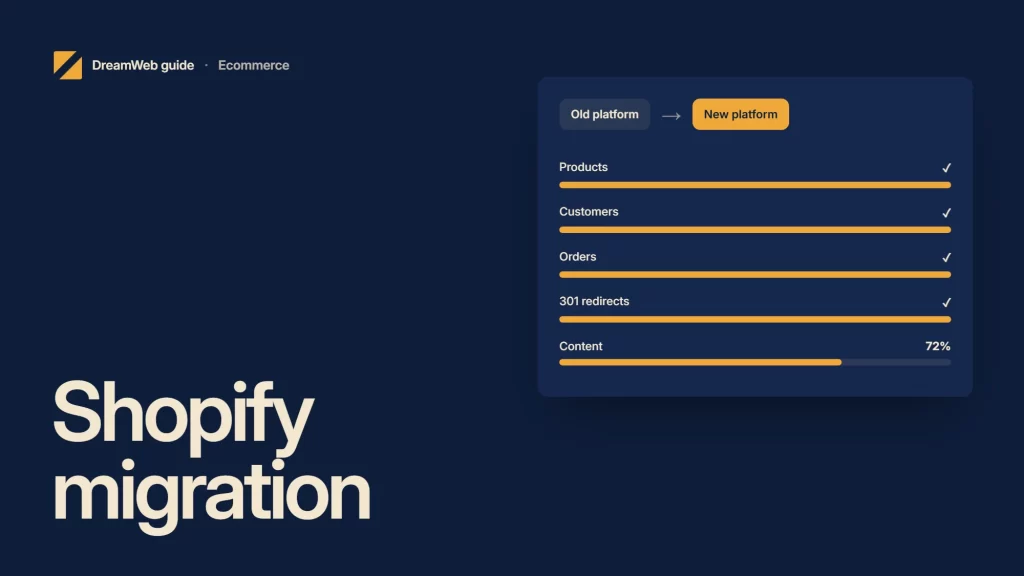
A Shopify migration agency should move the commercial operation, not only the product catalogue. Products, customers, orders, content, URLs, integrations, analytics and staff workflows all need an explicit decision and test.
Start with a migration inventory
Record:
- products, variants, collections and media;
- customers, consent and account implications;
- historical orders, refunds and gift value;
- pages, articles and policy content;
- URLs, search visibility and backlinks;
- discounts, tax, shipping and markets;
- apps, ERP, CRM, fulfilment and feeds;
- analytics, pixels and key events;
- operational roles, notifications and reports.
Shopify’s migration guidance lists routes including copy, CSV, migration apps, partner support and custom API work. It also warns that import order matters: products should precede customers and historical orders so relationships can be maintained.
What the agency should do
Clean and map the data
Define source fields, destination fields, transformations, exclusions and ownership. Run a sample import and reconcile counts, variants, prices, inventory and media before the full move.
Build the store around real records
Use the migrated catalogue to test templates. Long titles, missing images, unusual options and real descriptions expose design and data problems early.
Recreate integrations deliberately
Do not copy every old extension. Confirm the business need, supported Shopify route, data flow, failure behaviour and owner for each integration.
Protect URLs and search signals
Inventory valuable old URLs, map relevant destinations, implement direct permanent redirects and update internal links. Keep useful content and metadata where the intent remains the same.
Test transactions and operations
Run products through search, basket, checkout, payment, email, fulfilment, cancellation and refund. Test taxes, shipping, discounts, out-of-stock behaviour and staff notifications.
Control launch
Use a freeze window, final data delta, DNS plan, acceptance checklist and rollback criteria. Read back the live store after switch-over.
What you should receive
Expect a migration matrix, data rules, URL map, integration inventory, test evidence, launch plan, reconciliation report, training and post-launch monitoring.
Ask what will not migrate. Some historical, customer or platform-specific data may need an archive or alternative access route.
A short buyer check
Make one list of what must move. Add products, users, orders, images, pages, stock, apps, feeds, tax, email and key URLs. Give each item one owner and one test.
For example, can staff find an old order after launch? Does the right price show for a real user? Does the new page send people to the right place from an old link? Can the team stop the launch if a key check fails?
Run a full test with real-like data. Make a small order. Cancel it. Send a refund. Check the email. Do this before the old shop is switched off.
Pair this work with an SEO website migration consultant when organic visibility is material, or ask DreamWeb to map the commercial and technical cutover before a launch date is fixed.
Related reading: Shopify SEO agency.